GenPKM, as an app.
One tap. Full screen. It buzzes when it's your turn.
Add GenPKM to your home screen and it opens like any other app: no browser bars, it remembers where you were, and your phone buzzes the moment our Switch is ready for you. Free. No app store, nothing to download.
Works on iPhone and iPad (iOS 16.4 or newer), Android, and Chrome or Edge on a computer.
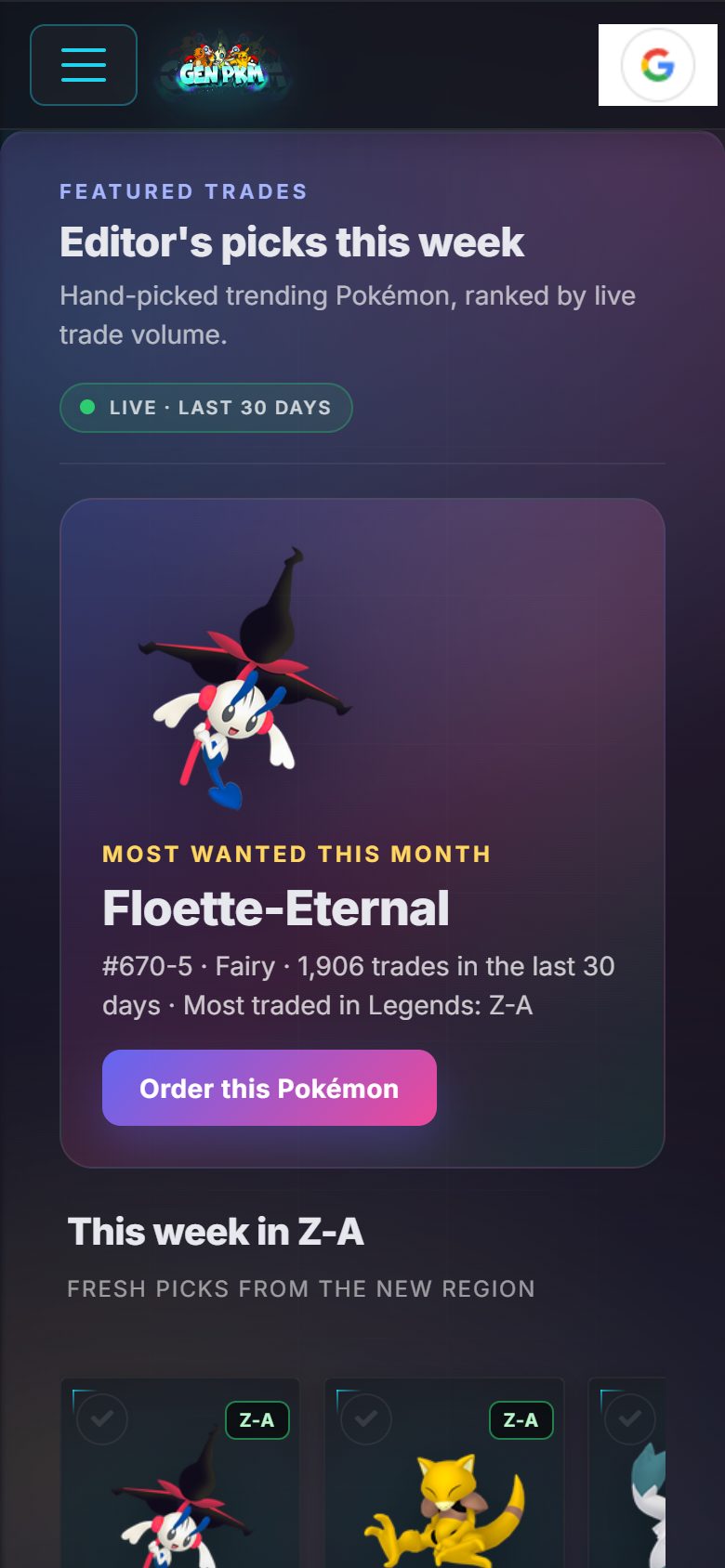

A buzz when it's your turn
Lock your phone or go play. We tap you when you're next in line, when to type your code, when to press Begin Searching, and when it's in your game.
Full screen, no browser
No address bar, no tabs. Your own icon on the home screen, a bottom bar for the five places you go most, and swipe down to refresh.
Faster, and fine on bad Wi-Fi
The app keeps the Pokédex, sprites and pages you've already opened on your phone, so they load instantly and still open when the signal drops.
Shortcuts
Press and hold the icon to jump straight to the creator, the Trade Hub, live shiny raids or your traded Pokémon. Updates install themselves.
How to add it
About fifteen seconds. Pick your device.
- 1Open genpkm.com in Safari.Other iPhone browsers can't add apps to the home screen. In Chrome for iPhone, the Share button is at the top instead.
- 2Tap the Share button at the bottom.It's the square with an arrow pointing up.
- 3Scroll down and tap Add to Home Screen, then Add.GenPKM appears with your other apps. Open it from there from now on.
- 4Turn on alerts inside the app.On iPhone, notifications only work after the app is on your home screen (iOS 16.4 or newer). Open it, then tap Turn on on this page or on your trade page.
- 1Tap Add to Home Screen at the top of this page.Chrome, Samsung Internet and Edge show an install box. If nothing pops up, use the next step.
- 2Or tap the ⋮ menu, then Add to Home screen or Install app.Firefox calls it Install.
- 3Tap Install.GenPKM shows up in your app drawer and on the home screen.
- 4Turn on alerts.Open the app and tap Turn on here or on your trade page. Android asks once for permission.
- 1In Chrome or Edge, click the install icon at the right end of the address bar.It looks like a monitor with a down arrow. Or click Add to Home Screen above.
- 2Click Install.GenPKM opens in its own window and gets a taskbar or dock icon.
- 3Turn on alerts.Desktop notifications pop up even when the GenPKM window is behind your game capture or Discord.
Questions
Is this a real app?
It's the real GenPKM, installed straight from the website — the same kind of app Starbucks, Twitter and Uber ship this way. It gets its own icon, runs full screen, sends notifications and updates itself. There's nothing to download from a store and it uses almost no storage.
Why isn't GenPKM in the App Store or Google Play?
GenPKM is built by a very small team, and the stores don't allow Pokémon trading tools anyway. Installing from the site gives you the same thing today: an icon, full screen and alerts, with no middleman.
Do notifications work on iPhone?
Yes, on iOS 16.4 or newer — but only after GenPKM is on your home screen. Apple doesn't allow website notifications from inside Safari itself. Add the app first, open it, then tap Turn on.
What will it notify me about?
Your trades: when you're next in line, when to type your link code, when to press Begin Searching, when the Pokémon lands in your game, and if a trade stops and needs you. Plus the occasional site announcement. You can switch either kind off per device on your profile page.
Does it cost anything, or use a lot of space?
No and no. The app is free like the site. It keeps a few megabytes of Pokédex pages and sprites on your phone so they open instantly, and you can clear that any time from your browser settings.
How do I remove it?
The same way as any app: press and hold the icon, then remove it. Your account and your Pokémon stay exactly where they are on genpkm.com.