24/7 Automated Delivery
Always online
Secure Checkout
Encrypted PayPal & Stripe
Every Switch Game
Z-A, SV, SwSh, BDSP, LA, LGPE
Free Trades
Up to 3 free trades per hour!
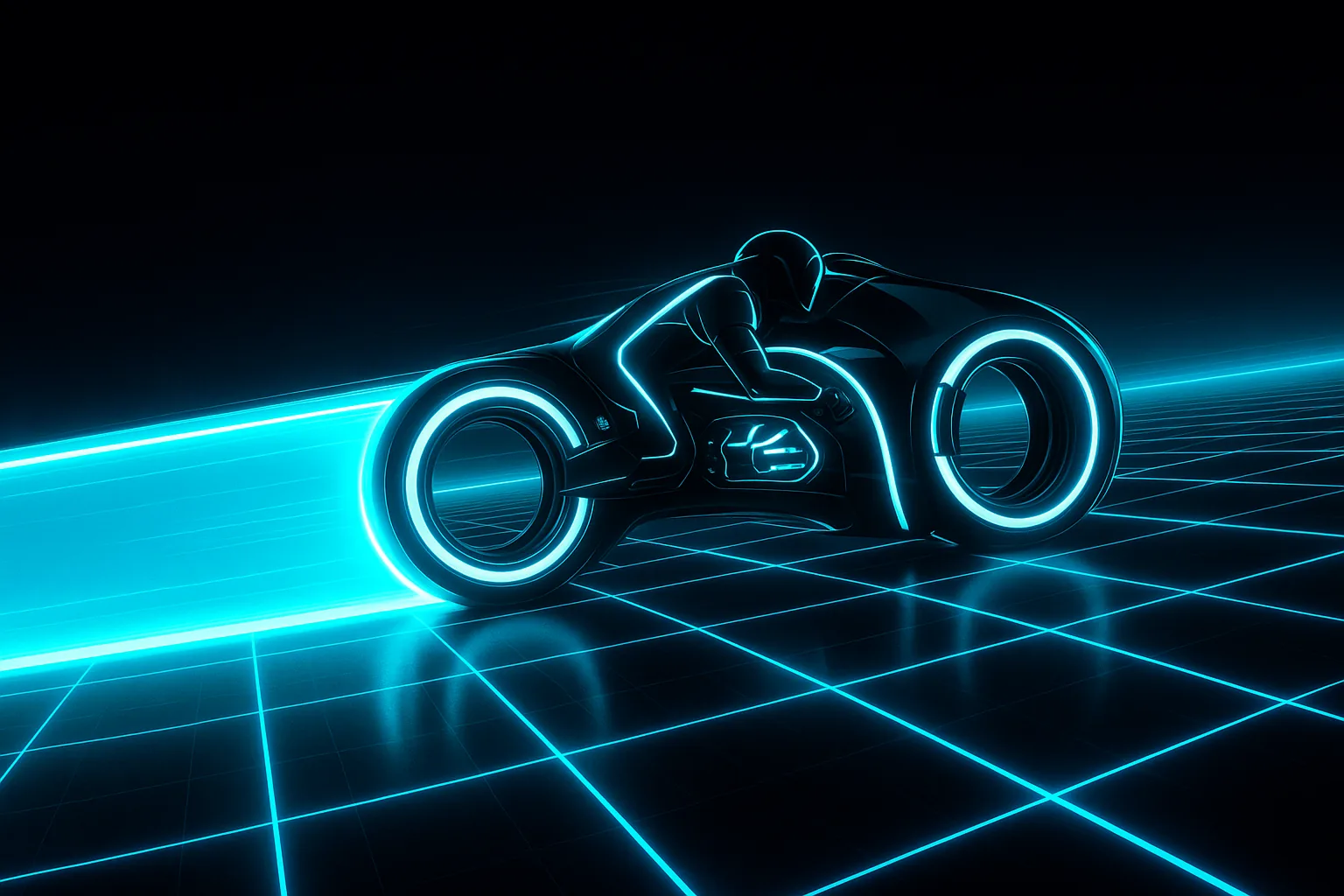
TRON Advanced lightcycle on the Grid NEW

TRON Advanced

GenPKM's newest game has hit the Grid. Inspired by Disney's 1982 classic TRON, TRON Advanced is a fast, free-to-play lightcycle arena where one wrong turn ends the run.

Derez your rivals, own the Grid — play free at tronad.net.

Discord Server
- Online
Join Server

How to Link Your Discord Webhook for Tera Raids

Welcome to the Discord Tera Raids Subscription linking page! If you're a new subscriber, follow the steps below to set up your Discord webhook and start receiving raid notifications:

  1. Log in to your account: Ensure you're logged in to your account. If you're not logged in, a login prompt should appear.
  2. Subscribe on Ko-Fi: If you haven't already, subscribe to the Discord Tera Raids tier on our Ko-Fi page. Use the email address you prefer for subscription management.
  3. Create a Discord Webhook: In your Discord server:
    • Go to the channel where you want raid notifications to appear.
    • Click on the channel settings (gear icon) next to the channel name.
    • Select Integrations from the sidebar.
    • Click on Create Webhook.
    • Give your webhook a name (e.g., "Tera Raid Notifications").
    • Copy the Webhook URL provided.
    • Click Save Changes.
  4. Link Your Webhook: Return to this page and:
    • Enter the Ko-Fi Subscription Email you used when subscribing on Ko-Fi.
    • Paste the Discord Webhook URL you copied earlier.
    • If your Ko-Fi email is different from your account email, you can choose to link them by checking the box below the webhook URL field.
    • Click on Link Webhook to save your settings.
  5. Confirmation: After submitting, you'll receive a confirmation message. Your Discord webhook is now linked, and you'll start receiving Tera Raid notifications in your Discord channel!

Note: If you encounter any issues or have questions, please reach out to our support team for assistance.

Link Your Discord Tera Raids Subscription

Note: You must have an active Ko-Fi "Discord Tera Raids" subscription to link your webhook. If you haven't subscribed yet, please visit our Ko-Fi page first.
Sign in before you fill this in. Saving a webhook needs a signed-in account. Your Ko-Fi subscription stays exactly as it is — this only tells us who is changing the webhook.
Please enter a valid email address.
This email looks good!
Use the exact email address from your Ko-Fi subscription
Please enter a valid Discord webhook URL starting with https://discord.com/api/webhooks/ or https://discordapp.com/api/webhooks/
Discord webhook URL looks good!
How to get your Discord Webhook URL:
  1. Go to your Discord channel settings (gear icon)
  2. Click "Integrations" → "Create Webhook"
  3. Name it "Tera Raid Notifications" and copy the URL
Sign in to save your webhook Your webhook URL is securely stored and only used for raid notifications.