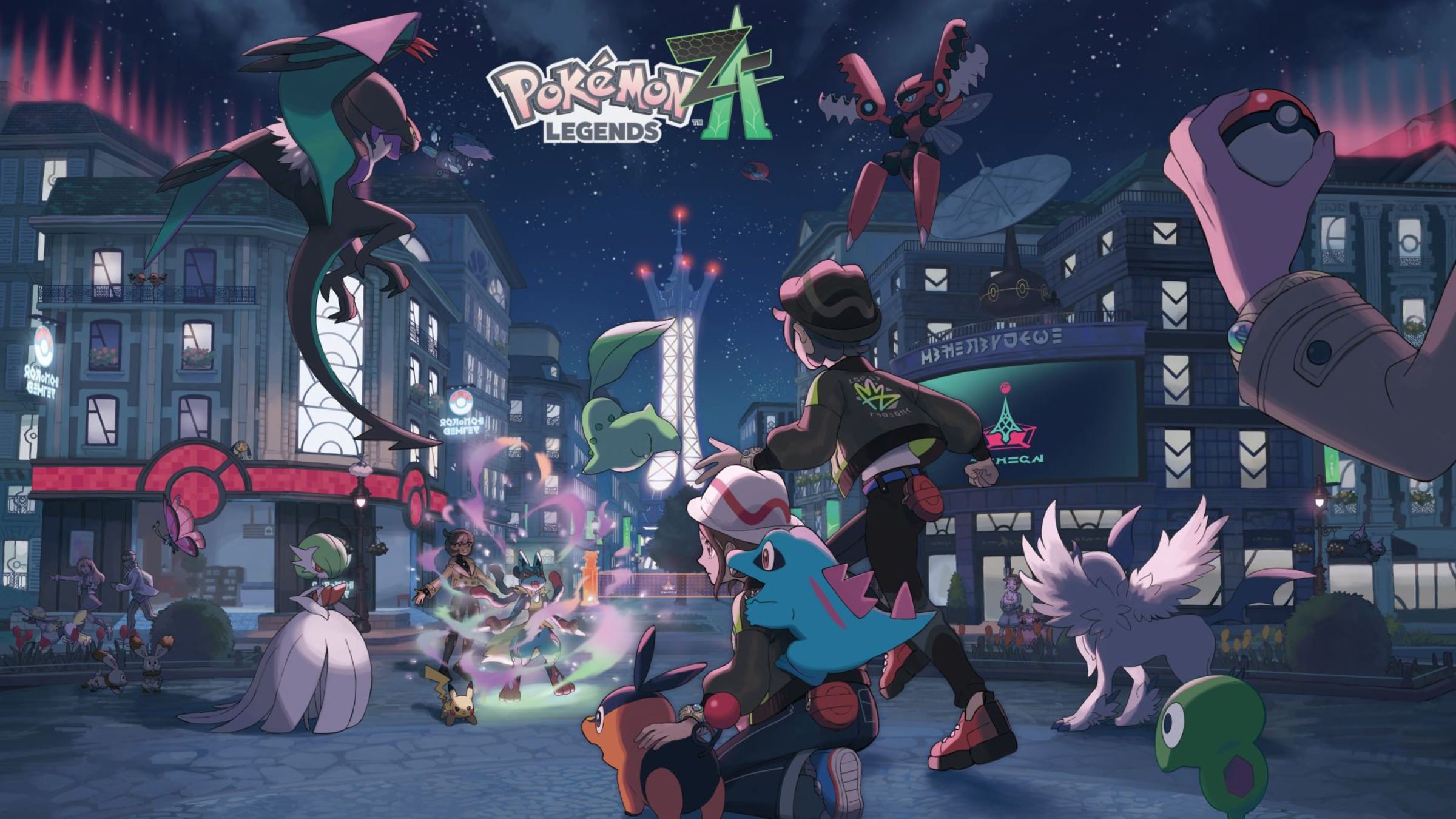
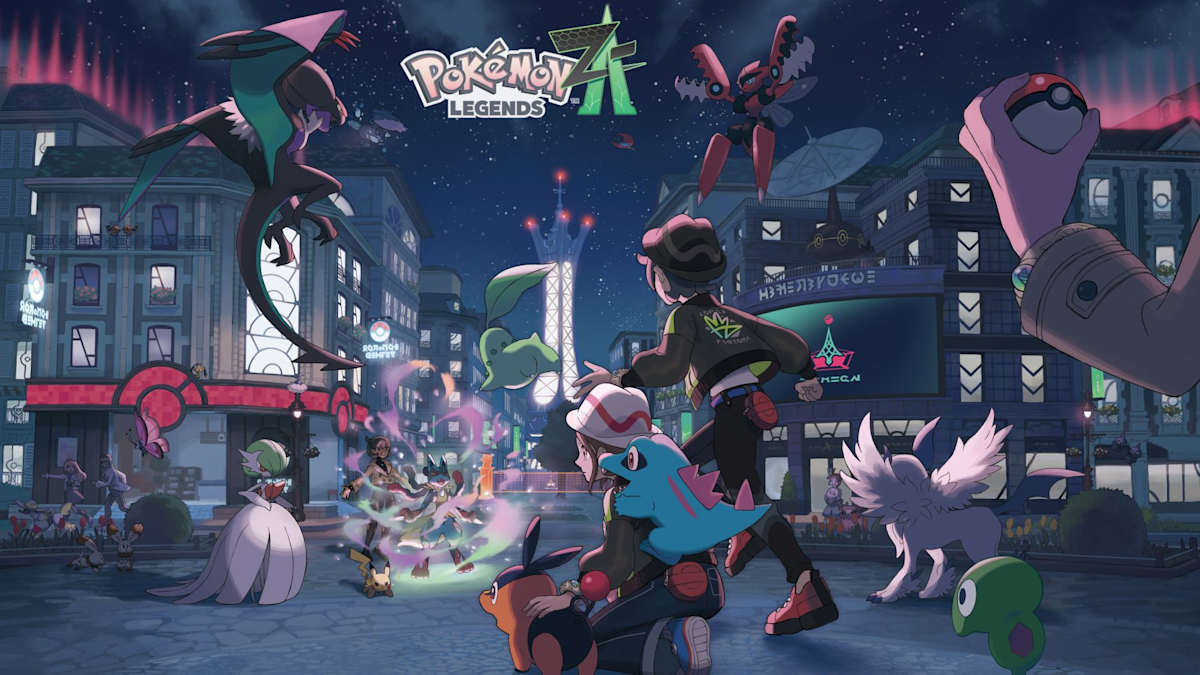
Pokemon HOME Version 4.0.0 launched on April 2, 2026, and with it came connectivity to Pokemon Legends: Z-A. On paper, that's straightforward good news. In practice, there's a catch that a lot of players have already stumbled into without realizing it: transfers into Legends: Z-A are one-way, and that changes how you should think about every Pokemon you currently have in HOME or in Scarlet and Violet.
This guide breaks down exactly how the transfer rules work, which Pokemon are eligible, and why genning directly in Z-A is often the smarter path for anyone with a carefully built collection in older games.
How the One-Way Rule Actually Works
The rule is stated clearly in the official HOME update notes, but it's easy to miss what it actually means in practice. Here's the precise language from The Pokemon Company:
- Pokemon cannot be transferred from Pokemon Legends: Z-A to previous titles in the Pokemon video game series.
- If you transfer a Pokemon from a previous title to Pokemon Legends: Z-A, you will no longer be able to transfer it to previous video games in the Pokemon series.
That second point is the one most players underestimate. The moment a Pokemon from Scarlet and Violet — or Sword and Shield, or Legends: Arceus — crosses into Z-A, it is permanently locked out of those games. You can still access it in HOME and use it in Z-A, but it can never go back. There is no undo.
This is different from how transfers worked between Scarlet/Violet and Sword/Shield, where you could move Pokemon in both directions (with some move and ability caveats). Z-A introduces a hard one-way gate, and the reason is structural: Z-A uses Hyperspace levels that can exceed Level 100, a Mega Evolution system that doesn't exist in current mainline games, and a distinct moveset pool. Converting those attributes back into the format older games expect isn't something the transfer system supports.
Which Pokemon Can Actually Transfer
Not every Pokemon in your HOME box can make the trip. Only Pokemon that appear in Z-A's Lumiose Pokedex or the Hyperspace Pokedex are eligible for inbound transfers. If a species doesn't exist in either of those dexes, HOME will block the transfer before it happens.
This is worth checking before you make any decisions. If you're sitting on a shiny or a perfectly-built Pokemon in HOME and want to bring it into Z-A, confirm it's in the Lumiose or Hyperspace dex first. Sending something to Z-A that you thought was Lumiose-eligible and finding out you were wrong would be a frustrating mistake — though at least HOME will stop you rather than silently accepting the transfer.
Pokemon that originated in Z-A can be deposited into HOME, and from HOME they can theoretically move into future compatible games. But they cannot travel backwards into Scarlet/Violet or any prior title. Z-A sits at the end of the compatibility chain for everything behind it.
The Real Cost for Competitive Players
Here's where the one-way rule has the sharpest bite. If you spent time — or used a service like GenPKM's Pokemon Creator — to build a 6IV Pokemon with the right nature, EV spread, and moves for Scarlet and Violet ranked play, that Pokemon is a SV asset. The moment it crosses into Z-A, it's gone from your SV roster permanently.
Z-A does support the transfer of Pokemon into Pokemon Champions, the new competitive platform that launched alongside HOME connectivity. If your goal is to field that perfect Garchomp or Gholdengo in Champions, the obvious instinct is to pull it from your SV HOME deposit. That works — but you're permanently retiring it from SV at the same time.
For most people, the practical answer is to not transfer your competitive SV Pokemon at all. If you need that Pokemon in Z-A or Champions, the cleaner path is to get a copy built specifically for Z-A rather than sacrificing the one you're actively using in Scarlet and Violet.
Why Genning Directly in Z-A Avoids the Problem Entirely
The one-way rule exists because Z-A's mechanics diverge significantly from mainline games. That same divergence is why genning directly in Z-A — rather than transferring existing Pokemon in — makes more sense for most use cases.
When you browse the GenPKM Pokedex and order a Pokemon for Legends: Z-A, you're getting something built natively for that game. The bot generates it with Z-A-legal moves, correct legality flags for the Lumiose or Hyperspace dex context, and the stats you need. You're not consuming a Pokemon that exists somewhere else in your collection. Your Scarlet and Violet team stays intact. Your HOME storage stays intact. You just have a new Z-A-ready Pokemon delivered via Link Trade.
This is especially relevant for anyone building toward Pokemon Champions, which uses HOME as its transfer hub. Rather than moving your SV Pokemon into Champions and locking them out of SV, you can build Champions-ready Pokemon from scratch through Z-A genning. The Trade Hub covers both approaches — standard orders through the Pokedex and custom builds through the Pokemon Creator if you need a specific set.
The Alpha Mystery Gift Incentive
There is one case where transferring from Z-A into HOME is clearly worth doing: the launch bonus. The first time you move any Pokemon from Legends: Z-A into the Nintendo Switch version of HOME, you receive three Alpha Pokemon as Mystery Gifts in the mobile version of HOME: an Alpha Chikorita, an Alpha Tepig, and an Alpha Totodile. These are distributed to the mobile app, not the Switch app, so make sure you claim them there.
This is a one-time reward per account, and the Alpha forms are worth having in HOME for future game compatibility. If you're playing Z-A at all, sending even one caught Pokemon into HOME to trigger this reward is a straightforward win. It doesn't require transferring any of your good Pokemon in — just move something out of Z-A and the gift triggers automatically.
When Transferring In Actually Makes Sense
The one-way rule isn't a reason to never transfer anything into Z-A. It's a reason to be deliberate about it. A few scenarios where transferring in is the right call:
- You have a shiny from an older game that you want to Mega Evolve in Z-A, and you're done playing that older game competitively. The shiny lives in HOME either way — you might as well activate it in Z-A.
- You're completing the Lumiose Pokedex and need species that are difficult to obtain in-game. Pulling them from HOME is faster than farming for them, and if you're not using them in SV anyway, the one-way lock doesn't cost you anything.
- You have duplicate Pokemon — bred spares or extras from event distributions — that have no active purpose in older games. Sending a backup into Z-A doesn't hurt your SV roster.
What you don't want to do is transfer a Pokemon impulsively because you assume you can always bring it back. You can't. Every Pokemon that enters Z-A makes a permanent choice relative to older games.
For anything where you're uncertain, the answer is to use a genning service to build what you need natively in Z-A rather than commit a Pokemon from your existing collection. Your HOME boxes stay organized, your SV team stays usable, and you still get exactly the Pokemon you want in Z-A.
Image: Nintendo / The Pokemon Company
Frequently asked questions
Can I move a Pokemon from Legends: Z-A back to Scarlet and Violet?
No. Transfers into Legends: Z-A are permanent relative to all previous games, including Scarlet and Violet, Sword and Shield, and Legends: Arceus. Once a Pokemon enters Z-A, it can only move to Pokemon HOME or future compatible titles — it cannot return to the game it came from.
What version of Pokemon HOME supports Legends: Z-A?
Version 4.0.0, which launched on April 2, 2026. You need to update both the Switch and mobile versions of HOME to access Z-A connectivity. The update was required on both platforms simultaneously.
Which Pokemon are eligible to transfer into Legends: Z-A?
Only Pokemon that appear in Z-A's Lumiose Pokedex or the Hyperspace Pokedex are eligible. HOME will block any transfer attempt for species outside those dexes. Check the in-game Pokedex or the official Legends: Z-A site for the full species list before attempting a transfer.
Is it safe to gen Pokemon directly in Legends: Z-A?
Yes, when the Pokemon is generated to match the legality rules for Z-A specifically. GenPKM's bots build Pokemon that pass the in-game legality checks for Legends: Z-A, using Z-A-legal moves and correct Pokedex flags. The same principles that apply to genning in Scarlet and Violet apply here — a legally-generated Pokemon behaves identically to a caught one. For more detail on how legality checks work across games, see our safety and legality guide.
Do I get any reward for connecting Z-A to Pokemon HOME?
Yes. The first time you transfer any Pokemon from Legends: Z-A into the Nintendo Switch version of HOME, you receive three Alpha Pokemon as Mystery Gifts in the mobile version of HOME: Alpha Chikorita, Alpha Tepig, and Alpha Totodile. This is a one-time reward per account and must be claimed in the mobile app.
Comments
Loading...Loading comments...